Guides / 7 min read
Cat6 vs Cat6A for offices: which cable should you install?
Cat6 still handles most office desk drops. Cat6A earns its place for WiFi 6E and WiFi 7 access points, heavy PoE and 10 gigabit links. Here is how to choose run by run.
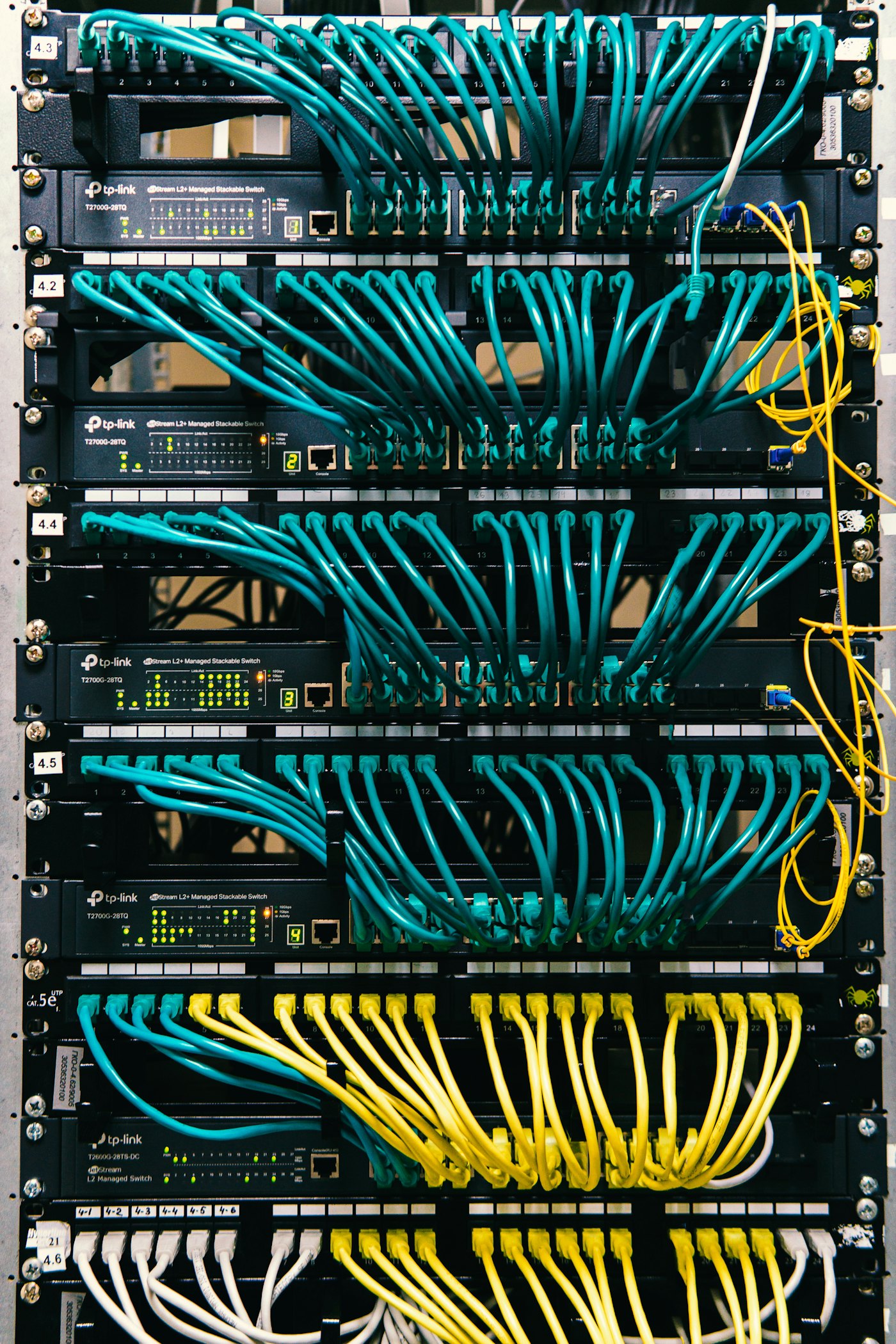
Should my office use Cat6 or Cat6A?
Most offices should use Cat6 for regular desk and device drops and Cat6A for access points, high-power PoE devices and any link that may need 10 gigabit speeds at full distance. You do not have to pick one cable for the whole building, and mixing them by purpose is often the smartest design.
The right answer depends on what will plug into each jack over the life of the cabling, not just today. Cable usually stays in the walls through several generations of switches, access points and cameras, so it is worth planning for where the equipment is going.
What is the difference between Cat6 and Cat6A?
The short version: Cat6A carries 10 gigabit to the full channel length and handles PoE heat better, at the cost of a thicker, stiffer cable.
| Feature | Cat6 | Cat6A |
|---|---|---|
| Rated bandwidth | 250 MHz | 500 MHz |
| 1 Gbps distance | 100 m (328 ft) channel | 100 m (328 ft) channel |
| 2.5 and 5 Gbps (NBASE-T) | Supported up to 100 m in typical installs | Supported up to 100 m |
| 10 Gbps distance | Around 37 to 55 m, depending on conditions | 100 m (328 ft) channel |
| Alien crosstalk | More sensitive in tight bundles | Designed to control it |
| PoE heat in bundles | Warms more with high-power PoE | Larger conductors usually run cooler |
| Outside diameter | Smaller, easier to route | Larger, needs more pathway and rack space |
| Bend radius and handling | Easier to terminate and dress | Stiffer, takes more care to terminate |
Exact figures vary by manufacturer and product, so we check the specific cable's datasheet and the TIA-568 requirements for each project.
Does Cat6 support 10 gigabit Ethernet?
Cat6 supports 10 gigabit Ethernet only over shorter runs, commonly cited at around 37 to 55 meters depending on installation conditions. Past that, alien crosstalk between neighboring cables makes 10GBASE-T unreliable.
Cat6A is built to carry 10 gigabit across the full 100 meter channel. If a run may ever connect a server, a storage system, a switch uplink or a high-end access point at 10 gigabit, Cat6A removes the guesswork.
Why does PoE heat matter when choosing cable?
PoE heat matters because the current that powers cameras and access points warms the cable, and in large bundles that heat builds up and can reduce performance. Higher-power PoE under IEEE 802.3bt (sometimes called PoE++) makes this more important.
Cat6A typically uses larger conductors and a construction that sheds heat better, so it handles high-power PoE in bundles with more margin. That is one reason we like Cat6A for access points, PTZ cameras, and devices like displays or lighting that draw more power.
Florida adds to the problem. Hot attics, ceilings above unconditioned spaces and warm network closets all raise the starting temperature of the cable. Good design limits bundle sizes, uses proper pathways and keeps closets ventilated.
Where does each cable make sense in an office?
Here is how we usually assign cable types in an office project. Your building may call for a different mix.
Desk and phone drops: Cat6
Workstations, VoIP phones and printers rarely need more than 1 gigabit, and Cat6 handles that with plenty of margin.
WiFi access points: Cat6A
WiFi 6E and WiFi 7 access points often use 2.5 or 5 gigabit uplinks and higher PoE budgets, and they get replaced with faster models over time.
Security cameras: Cat6, Cat6A for high-power
Most fixed cameras are fine on Cat6. PTZ cameras, heated housings and long runs benefit from Cat6A.
Server room and switch uplinks: Cat6A or fiber
Short copper links between racks can be Cat6A, while links between closets or buildings are often better on fiber.
Conference rooms and displays: Cat6A
Video bars, displays and room systems keep getting more demanding, so extra headroom helps.
Does Cat6A need bigger pathways and racks?
Yes, Cat6A needs more space because it is noticeably thicker than Cat6. That affects conduit fill, J-hook spacing, cable tray sizing, wall penetrations and how many cables fit in a patch panel area.
We account for this in the design, including rack and vertical cable manager sizing, using Panduit or other standards-compliant components. Trying to force Cat6A into pathways sized for Cat6 leads to crushed cables, tight bends and failed tests.
Jacket rating matters as well. Use plenum-rated (CMP) cable in ceilings or floors that are used for air handling, and riser-rated (CMR) cable in vertical runs between floors where plenum is not required. Both Cat6 and Cat6A come in either jacket.
Many Central Florida office buildings use the ceiling as a return air plenum, so CMP is common in commercial work. We confirm the requirement for your building before ordering cable.
What should you get after a cabling job?
Whatever cable you choose, the installation should be documented and tested.
- Every run certified or tested, with results handed to you
- Jacks, patch panels and cables labeled to TIA-606
- A network diagram showing closets, uplinks and major devices
- Clean cable management in the rack with proper bend radius
- No abandoned cable left behind in ceilings when you move or rewire
Is it worth paying more for Cat6A everywhere?
Cat6A everywhere is worth it when you expect heavy PoE use, frequent equipment upgrades or 10 gigabit to the desk, and it is often more than a typical office needs. The cable itself, larger pathways, bigger cable managers and slower termination all add to the project.
A mixed design puts the extra performance where it pays off. Access points, conference rooms and server links get Cat6A, and ordinary desk drops stay on Cat6. The assessment is where we match each run to its purpose and explain the reasoning in the written quote.
Keep in mind that a higher category of cable does not fix poor installation, and a badly installed Cat6A run can perform worse than a clean Cat6 run. Untwisting pairs too far at the jack, crushing cables with tight ties, exceeding bend radius or mixing mismatched components can all cause failed tests.
The fix is standards-based work: matching components from the same category, correct termination, supported pathways and testing every run after installation. Test results are the proof that the cable performs as rated, which is why they should be part of every handover.
Not sure which cable your office needs?
LocalTechify plans structured cabling for offices in Orlando and across Central Florida run by run, based on the devices you have now and the ones you are likely to add. Book a free site assessment and we will recommend Cat6, Cat6A or fiber for each part of your building with a fixed written quote.
More guides
How many security cameras does a business need?
The right number of cameras comes from what each one must show, not from a package deal. Here is how to plan coverage with pixels per foot, field of view and storage.
Read the guide7 signs your network closet needs a cleanup
Unlabeled cables, heat, blinking mystery boxes and a rack nobody wants to touch are all signs. Here is what a closet cleanup fixes and how it is done without long downtime.
Read the guideLet's look at your site
Tell us what you need. We'll call you to schedule a free on-site assessment.
- No cost, no obligation
- We walk the site and check what's already there
- You get a clear plan and written quote
Prefer to talk? (689) 999-1144