Services / Business WiFi and networking
Business WiFi and network installation in Orlando, FL
Most business WiFi problems are design problems, not internet problems. We survey your space, plan coverage and capacity for the devices you actually run, and install wired access points on a properly segmented network. You get heatmaps, a network diagram and every credential when we finish.
- More than 25 years in networking
- CompTIA Network+ certified team
- Heatmaps before and after install
- Cisco, Meraki, Aruba, UniFi, Fortinet
Why does my business WiFi keep dropping or slowing down?
Business WiFi usually fails because there are too few access points in the wrong places, all fighting over the same channels, with no plan for how many devices will connect. A faster internet plan rarely fixes that.
A typical example in Orlando: a consumer router in the back office, a couple of mesh units added later, and forty phones, laptops, tablets, printers and cameras all sharing one network. Signal bars look fine, but every device waits its turn, so calls break up and card terminals time out.
The fix starts with measuring what is really happening in the building, then designing for capacity, not just coverage.
What WiFi problems do we fix most often?
These are the patterns we see again and again in Central Florida offices, restaurants, clinics and warehouses.
Dead zones and weak signal
Concrete block, metal studs, coolers, shelving and mirrored glass absorb or reflect signal. One access point in a closet cannot cover a building built like that.
Slow speeds when the place gets busy
Coverage is fine at 8 a.m. and falls apart at lunch. That is a capacity problem: too many devices per access point.
Channel interference
Neighboring suites, auto channel settings and wide channels on 2.4 GHz cause access points to talk over each other.
Drops when people walk around
Phones cling to a far access point instead of roaming to a closer one. Proper power levels and roaming settings solve this.
Guests and cameras on the staff network
One flat network means a guest laptop, a smart TV and the POS system can all see each other. That is a security and performance risk.
Nobody knows the passwords
The previous vendor left, the admin login is lost, and nobody can change anything. We regain control and document it.
What does a business WiFi site survey include?
A proper WiFi site survey has three stages: a predictive design, on-site measurement, and validation after install. Each one produces something you can see.
Predictive design
We load your floor plan into planning software, mark wall materials, ceiling heights and where people and devices gather, and model access point placement. The result is a predicted heatmap and a bill of materials before anything is bought.
On-site measurement
We walk the space with measurement tools to check signal strength, noise and neighboring networks, and to confirm what the floor plan does not show, like coolers, metal racks or a new wall. The design is adjusted to the real building.
Installation
Access points are mounted and cabled to the switch, with each cable labeled and tested. Channels, power levels and roaming settings are set per access point, not left on auto and forgotten.
Post-install validation
We walk the space again and capture a measured heatmap showing signal strength, overlap between access points and channel plan. If an area falls short, we fix it before we call the job done.
Is mesh WiFi good enough for a business?
For most businesses, wired access points beat mesh because each one gets its own cable back to the switch, so speed does not drop as you add units.
| Wired access points | Consumer mesh | |
|---|---|---|
| How units connect | Each access point has its own Ethernet cable to a PoE switch | Units relay traffic to each other wirelessly |
| Speed as you add units | Stays consistent, each unit has a full wired link | Drops with each wireless hop |
| Power | Powered over the network cable (PoE), no outlets needed | Each unit needs an outlet |
| Mounting | Ceiling or wall, placed where the design says | Usually on a shelf near an outlet |
| Network segmentation | Multiple VLANs, guest isolation, firewall rules | Basic guest network at best |
| Management | Central cloud or controller dashboard, alerts, firmware control | Phone app, limited visibility |
| Best fit | Offices, restaurants, clinics, warehouses, multi-room rentals | Small homes where running cable is not possible |
Wireless backhaul still has a place, for example a detached building or a spot where cable cannot reach. We use it deliberately, not as the default.
What equipment do we install for business WiFi?
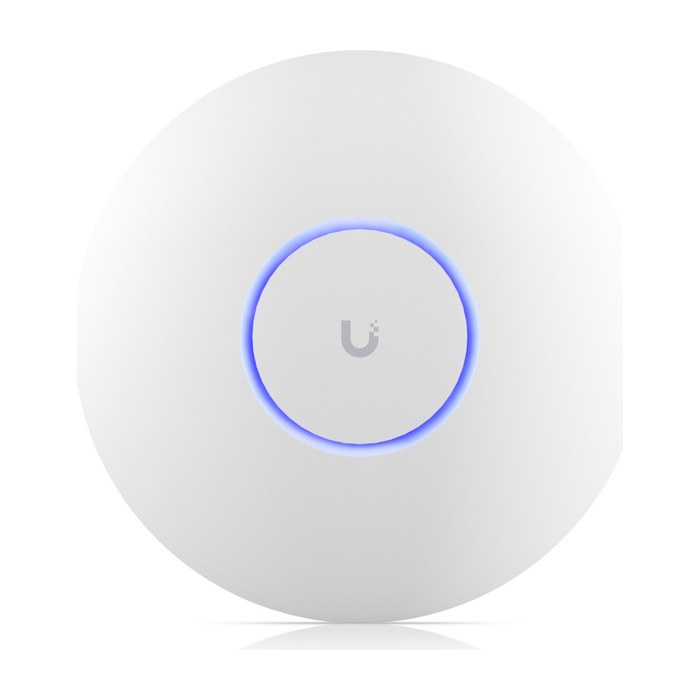
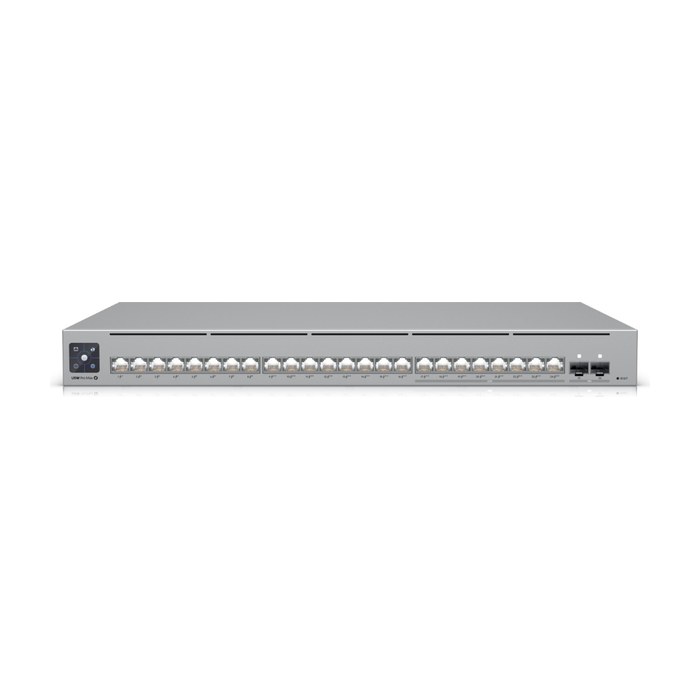
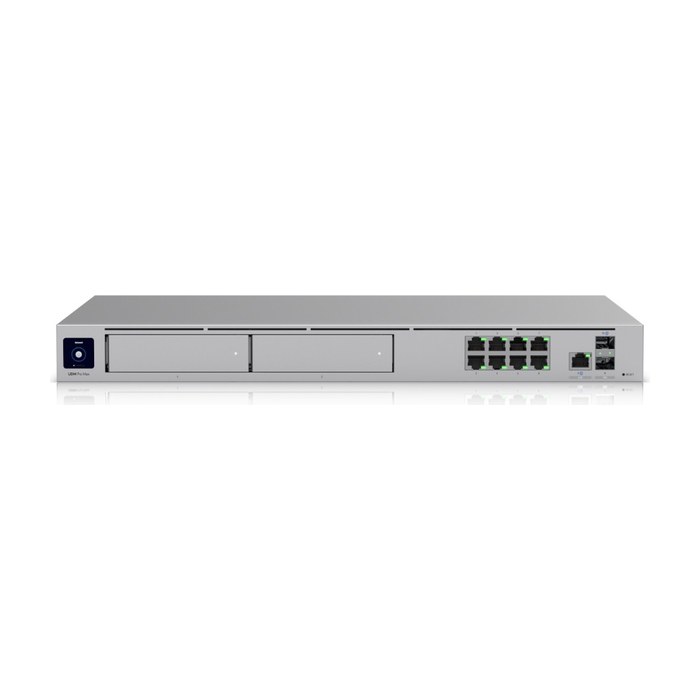
We install business-grade gear from Ubiquiti UniFi, Cisco Meraki, Aruba, Cisco and Fortinet, and pick the platform that fits your size, budget and who will manage it.
WiFi 6, 6E and WiFi 7 access points
WiFi 6 handles dense device counts well. 6E and 7 add the 6 GHz band, which has more clean channels. We match the standard to your devices, not to the newest box.
PoE switches
Power over Ethernet switches power the access points and cameras through the network cable. We size the PoE budget so every device gets the power it needs, with headroom.
Firewall and router
A business firewall from Fortinet, UniFi or Meraki handles VLAN routing, guest isolation, content filtering and optional dual internet with automatic failover.
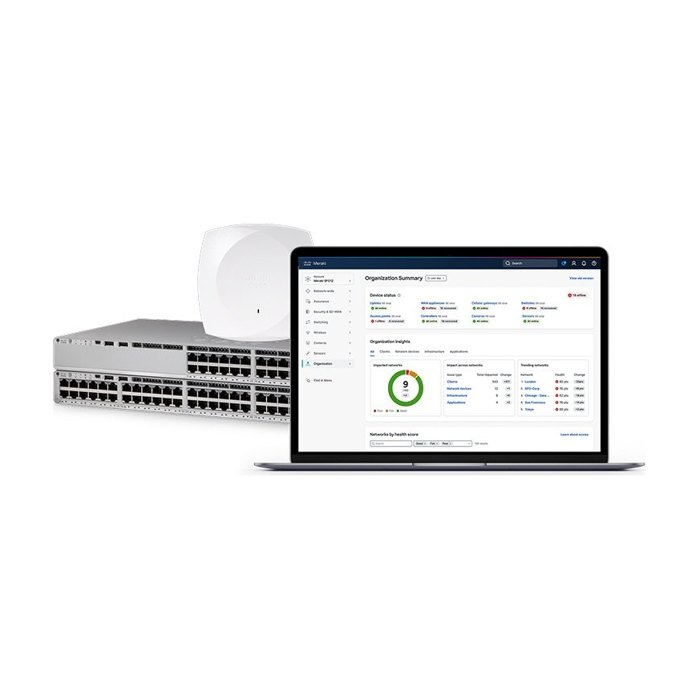
Cloud management
Your network is managed from one dashboard with alerts, firmware updates and client visibility. You own the account; we get access only if you want us to help manage it.
Cabling and surge protection
Cat6 or Cat6A runs tested and labeled to TIA-568 and TIA-606, plus surge protection and a UPS so a Florida storm does not take the network down with it.
How many WiFi access points does my business need?
The number of access points depends on capacity, not just square feet: how many people and devices connect at once, what the walls are made of, and how high the ceilings are.
A 3,000 square foot open office with twelve people may need two access points. A 3,000 square foot restaurant with a full dining room, kitchen equipment, card terminals, a guest network and a walk-in cooler may need three or four. A warehouse with 30-foot ceilings and steel racking needs access points placed and angled for the aisles, not the floor area.
Other factors: whether you use video calls or VoIP phones, whether outdoor areas need coverage, and how many devices each person carries. The site survey answers the question for your building with a heatmap instead of a guess.
What equipment do we install?
We pick the platform for your site, budget and how you want to manage it. Brands we install: Cisco, Ubiquiti UniFi, Cisco Meraki, Aruba, Fortinet.
How do we keep business WiFi secure?
We keep business WiFi secure by separating devices into their own networks (VLANs), using WPA3 where devices support it, and locking down who can reach what.
Staff network
Company laptops and phones, with WPA3 or WPA2/WPA3 mixed mode for older devices, and optional per-user logins in larger offices.
Guest network
Internet only, isolated from everything else, with optional bandwidth limits and a branded guest portal with terms of use.
POS and payments
Card terminals and POS stations on their own VLAN, which helps limit PCI scope and keeps guest traffic away from payment devices.
Cameras and IoT
Security cameras, smart TVs, thermostats and printers on a separate VLAN with no direct internet exposure unless it is required.
Admin access
Unique admin credentials, MFA on the cloud dashboard, current firmware, and default passwords changed on every device.
What does good WiFi look like in different businesses?
Every industry stresses WiFi differently, so the design changes with the business.
Restaurants and retail
Card terminals, handheld ordering, kitchen display screens and a busy guest network. We separate POS traffic, cover the patio, and design around coolers and stainless steel.
Offices
Video calls, VoIP phones and cloud apps all day. The focus is roaming between rooms, conference room capacity and a clean guest network for visitors.
Medical and dental clinics
Tablets, imaging stations and patient check-in. Clinical devices and patient guest WiFi stay on separate networks.
Warehouses
Handheld scanners and forklift terminals moving through tall racking. Access points are placed for the aisles, with outdoor-rated units for docks where needed.
Short-term rentals and multi-unit properties
Guests expect WiFi that just works in every room and by the pool. Remote management lets the owner check status and change the guest password between stays.
What do you get when the WiFi project is finished?
You get documentation and control of your own network, not a black box.
- Predicted and measured WiFi heatmaps
- Network diagram showing switches, access points and VLANs
- Labeled cables, ports and patch panels
- Cable test results for every run we install
- Admin credentials and cloud dashboard ownership in your name
- Staff training on the guest network and basic changes
- Optional monitoring plan for businesses
What affects the cost of a business WiFi project?
Cost depends mainly on the number of access points, how much new cabling is needed, and the platform you choose.
Other drivers include ceiling height and whether lifts are needed, outdoor coverage, the number of VLANs and firewall features, switch and PoE capacity, cloud licensing on some platforms, and after-hours work so your business stays open. The free site assessment produces a fixed written quote, so you know the full scope before work begins.
One network, designed together
WiFi, cameras, access control and phones all share the same switches, cabling and firewall. Because network and camera design is our core work, we plan them as one system with the right PoE budget, VLANs and rack space from day one. Book a free site assessment and we will walk your space in Orlando or anywhere in Central Florida.
Team credentials
- 25+years hands-on
- Network+CompTIA Network+
- A+CompTIA A+
- MCSAMicrosoft Certified Systems Administrator
- MCSEMicrosoft Certified Systems Engineer
- HikvisionHikvision Certified
Business WiFi and networking: common questions
Industries we serve: Construction and contractors, Offices, Retail and restaurants, HOAs, property managers and rentals, Homes
Why is my business WiFi slow even though I pay for fast internet?
Internet speed and WiFi performance are different things. If too many devices share too few access points, or access points interfere with each other, everyone waits for airtime no matter how fast the internet line is. A site survey shows where the bottleneck really is.
Is mesh WiFi OK for a small business?
Mesh can work in a small space where running cable is not possible, but it slows down with each wireless hop and offers limited security controls. For most businesses, wired access points on a PoE switch are faster, more stable and easier to manage.
How many access points do I need?
It depends on how many people and devices connect at once, the building materials and ceiling height, not just square footage. A busy restaurant often needs more access points than a quiet office of the same size. We answer it for your space with a site survey and heatmap.
What is a WiFi site survey?
A WiFi site survey is a planned measurement of your space. We model coverage from your floor plan, measure signal and interference on site, and after install we validate the result with a measured heatmap. It replaces guessing with data.
Can guests use our WiFi without accessing our business network?
Yes. The guest network runs on its own VLAN with client isolation, so guests reach the internet only. We can add a branded guest portal with terms of use and bandwidth limits.
Which WiFi brand do you recommend?
We install Ubiquiti UniFi, Cisco Meraki, Aruba, Cisco and Fortinet, and recommend based on your size, budget, licensing preference and who will manage the network. Each is a solid business platform; the design matters more than the logo.
Should we upgrade to WiFi 7?
WiFi 7 and 6E add the 6 GHz band, which helps in dense spaces, but only devices that support them benefit. If most of your devices are WiFi 6 or older, a well designed WiFi 6 network may be the better value. We check your devices during the assessment.
Can you install WiFi after hours so we can stay open?
Yes. We regularly schedule cabling and cutover work after hours or on weekends for restaurants, retail and offices. After-hours work is included in the written quote so there are no surprises.
Do you offer ongoing WiFi monitoring?
Yes, for businesses. A monitoring plan watches access points, switches and internet uptime, keeps firmware current and flags problems early. It is optional, and you keep ownership of the network either way.
Often paired with
Network design and cabling
Network design and structured cabling for Central Florida businesses: Cat6, Cat6A and fiber, labeled, tested and documented, plus closet cleanups.
See network design and cablingSecurity camera systems
Commercial camera systems designed with coverage maps and pixel-per-foot targets, installed on a clean, secure network in Central Florida.
See security camera systemsAccess control
Door access control with cards, fobs, phones or PIN, installed on UniFi Access, HID, Hikvision or Brivo and tied to your cameras.
See access controlBook a free WiFi assessment
Tell us what you need. We'll call you to schedule a free on-site assessment.
- No cost, no obligation
- We walk the site and check what's already there
- You get a clear plan and written quote
Prefer to talk? (689) 999-1144